
Your league app
TPGL 2026
Fixtures, tee times and live results.
One tap from your Home Screen.
No app store needed. Follow the steps below.
Installation requested
Look for the new app icon on your Home Screen.
Add to Home Screen
Use Chrome. From WhatsApp, open this link in Chrome first.
- 1. Tap Install above
If it isn't available, open Chrome's three-dot menu.
- 2. Confirm Install app
In the menu, it may say Add to Home screen.
- 3. Open your new app icon
Find TPGL 2026 on your Home Screen or in your app list.
- Tap Safari’s menu, then Share
The menu is beside the website address at the bottom.
Already see the Share icon? Tap it directly.
- Choose Add to Home Screen
Scroll down in the Share menu to find it.
- Tap Add. You’re ready.
Leave Open as Web App on if shown.
Open TPGL 2026 from its new Home Screen icon.
Need help?
Don’t see Share? Look in Safari’s More (…) or page menu. In the Share menu, try View More or Edit Actions if Add to Home Screen is missing.
Opened inside WhatsApp? Choose Open in Safari from its menu first, then follow the steps above.
Check your Home Screen and app list; setup can take a little time. If the icon is missing, follow Chrome’s menu steps above.
Share with your team
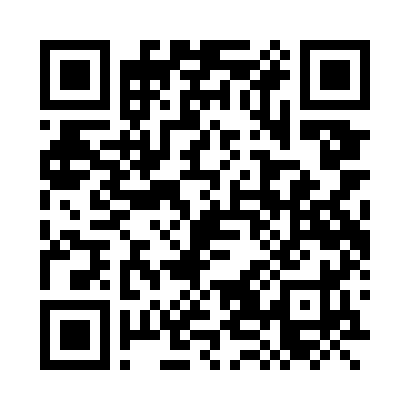
Send the installation link or let another player scan the QR code.
Free to add. Internet needed for current fixtures and scores.